

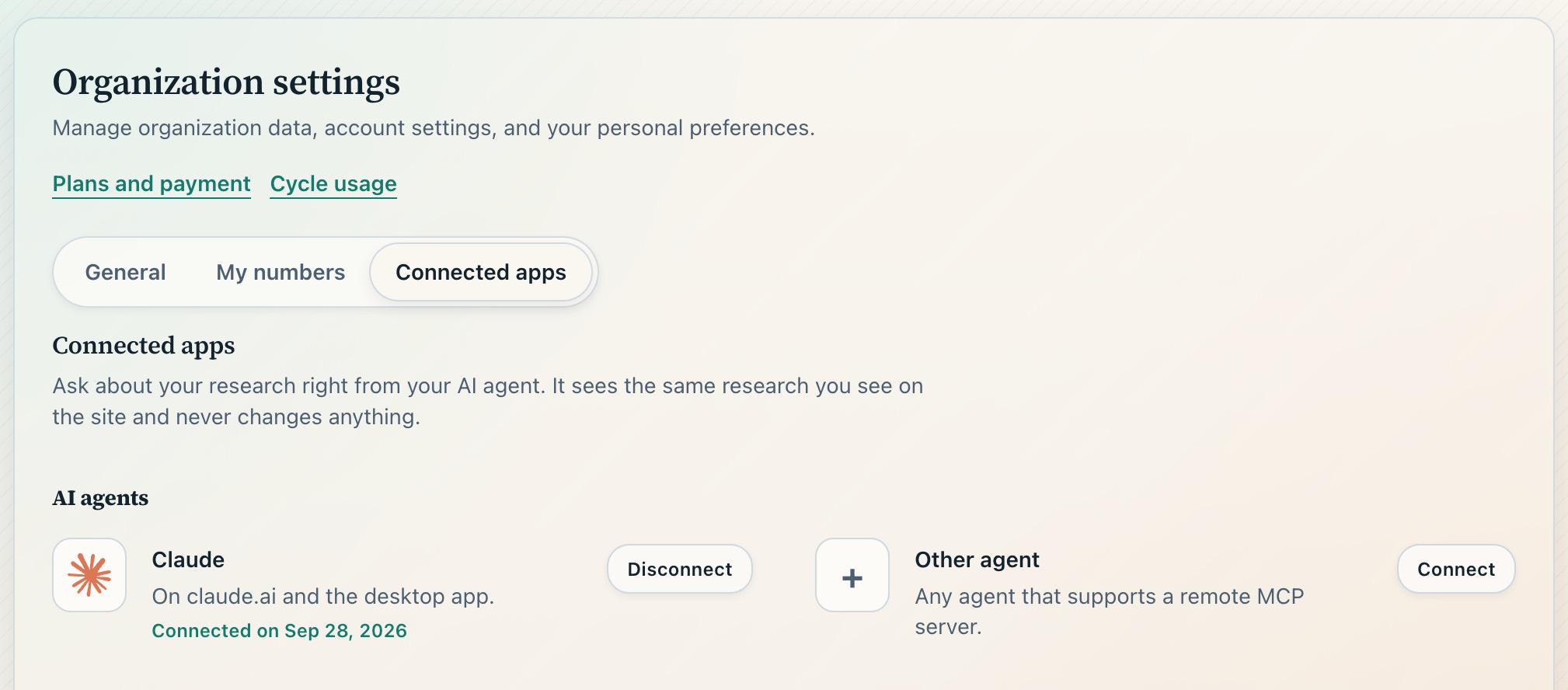
This week, we launched an integration option via MCP (Model Context Protocol). With this integration, you no longer need to download conversations to perform your own analysis or data slicing; simply use Claude—or any other agent capable of MCP integration—to access all your conversations and reports. To enable this, go to Settings > Connected Apps.
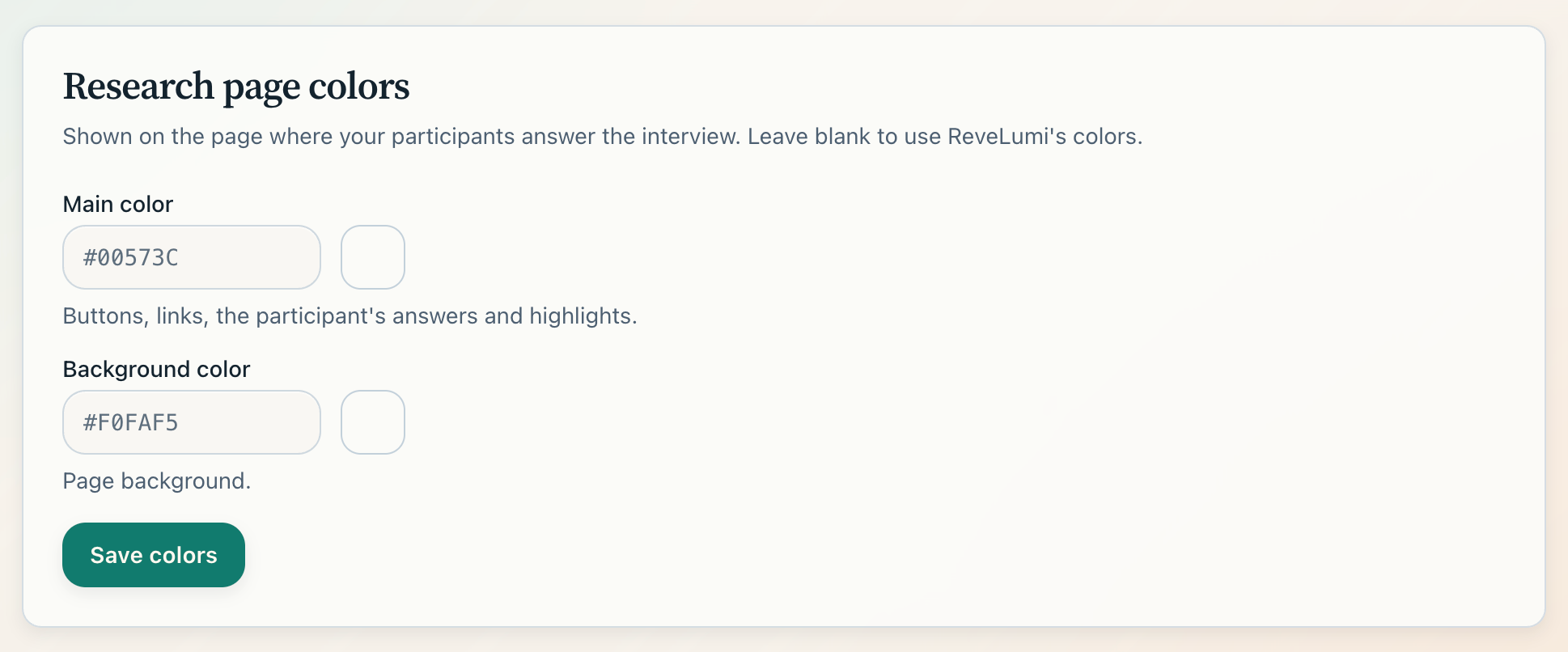
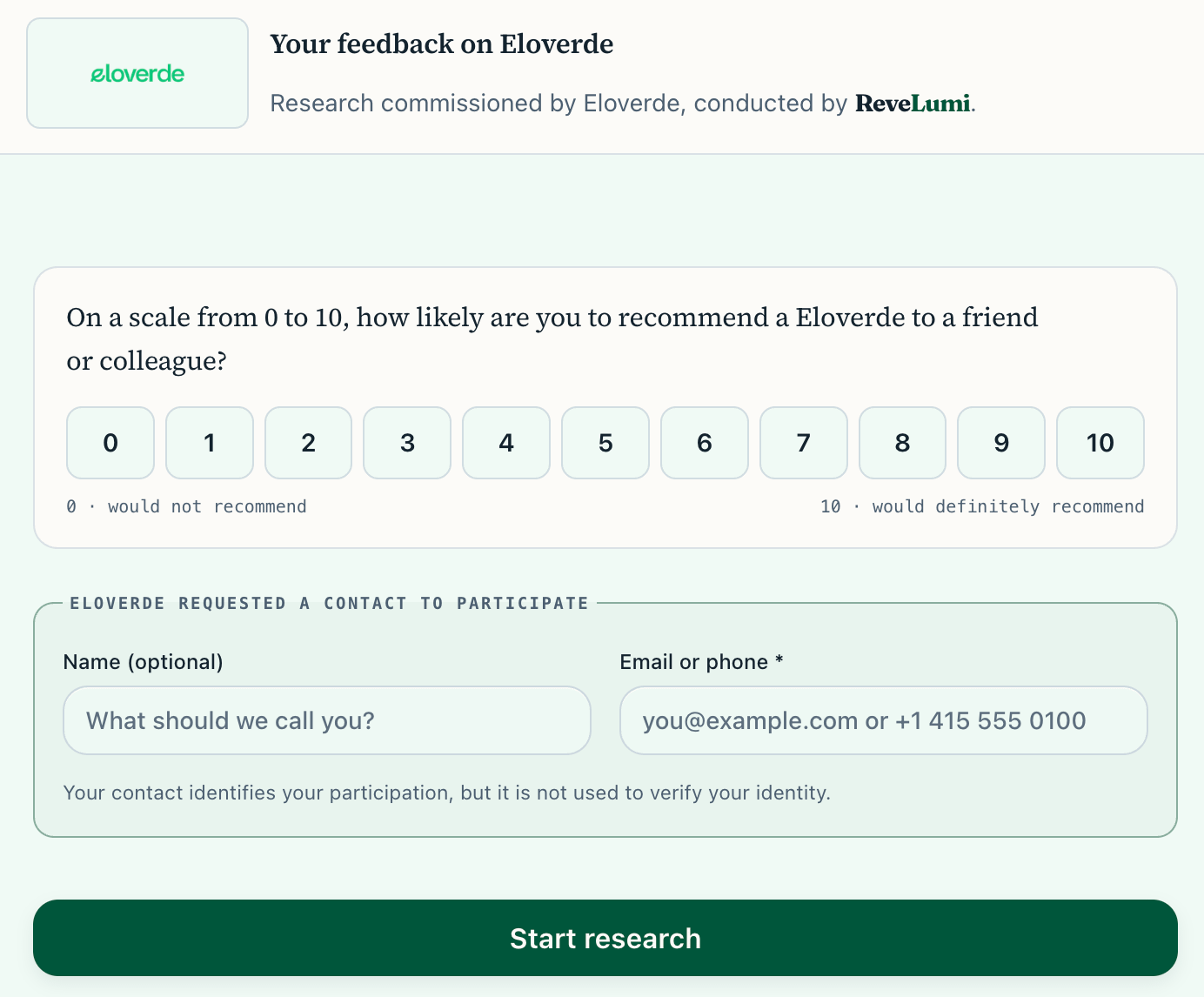
Another new feature this week is the ability to customize the appearance of web-based interviews. You can now upload your logo and define the page colors. To configure this, go to Settings > General.
Here is an example from one of our clients.
In addition to the layout, you can configure surveys to run on your company’s own domain—such as https://survey.yourcompany.com—which helps increase response rates.
If you’d like to discuss putting your company’s surveys on autopilot—whether for NPS, CSAT, or in-depth qualitative research—feel free to book a time on our calendar.